Password management made effortless
- Store passwords, passkeys, cards, and notes in one secure vault
- Securely share logins and other sensitive items with people you trust
- Quickly access your accounts with autofill and biometrics
Get StartedDownload ExpressKeys
30-DAY MONEY-BACK GUARANTEE FOR FIRST-TIME USERS
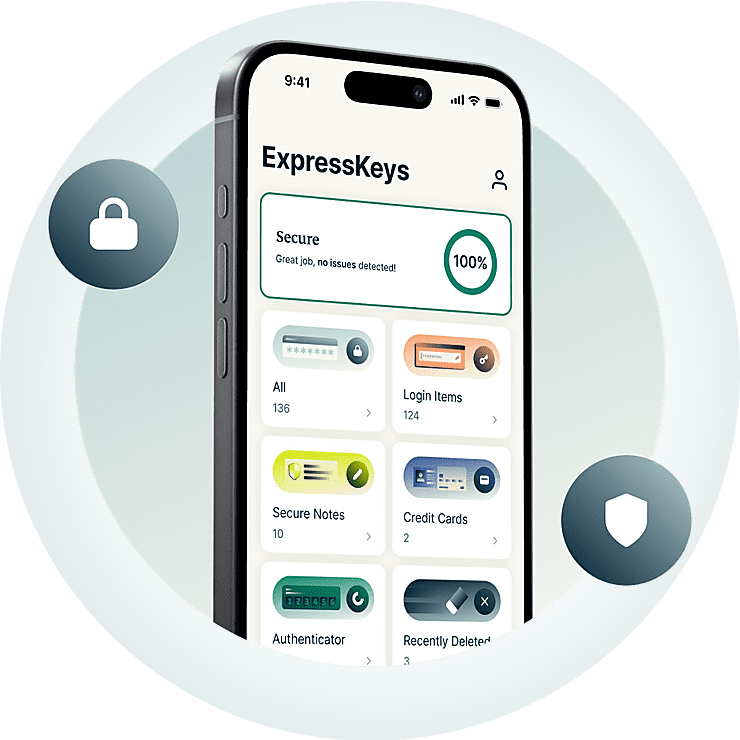



All you need to protect your accounts
See how ExpressKeys helps you create, store, share, and manage passwords.
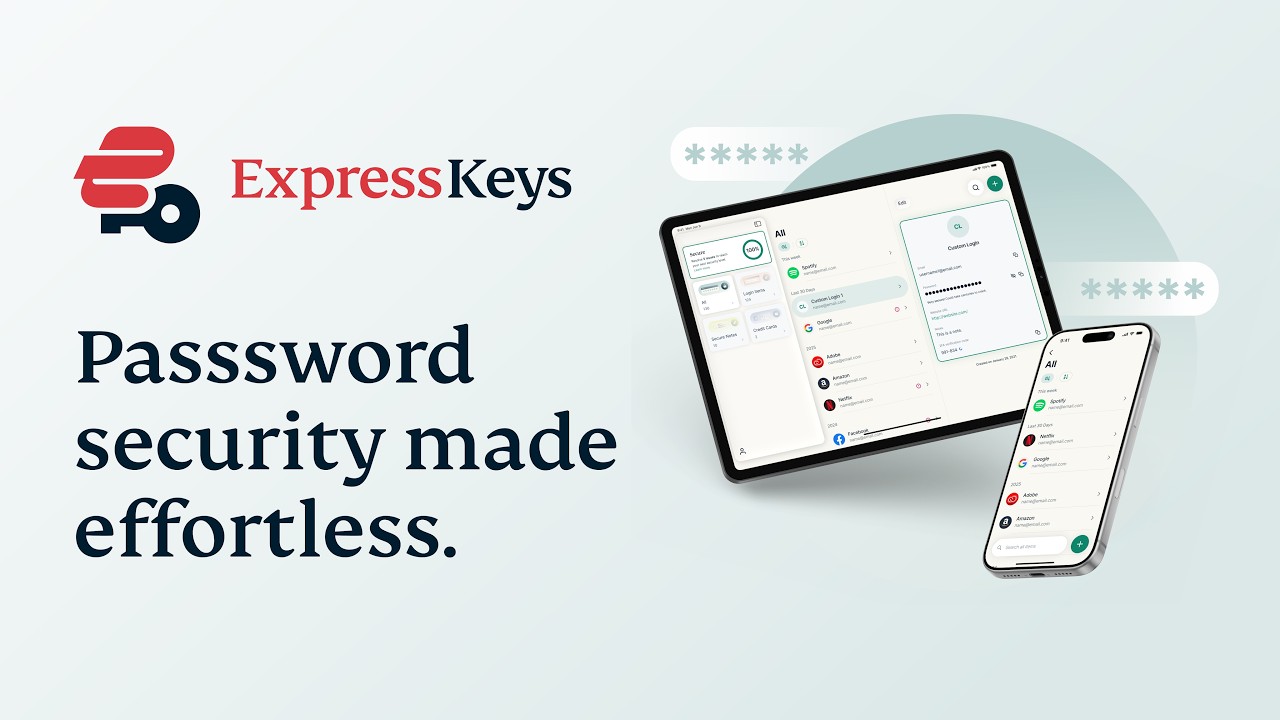
Why ExpressKeys?
Upgrade your password protection. Upgrade your peace of mind.
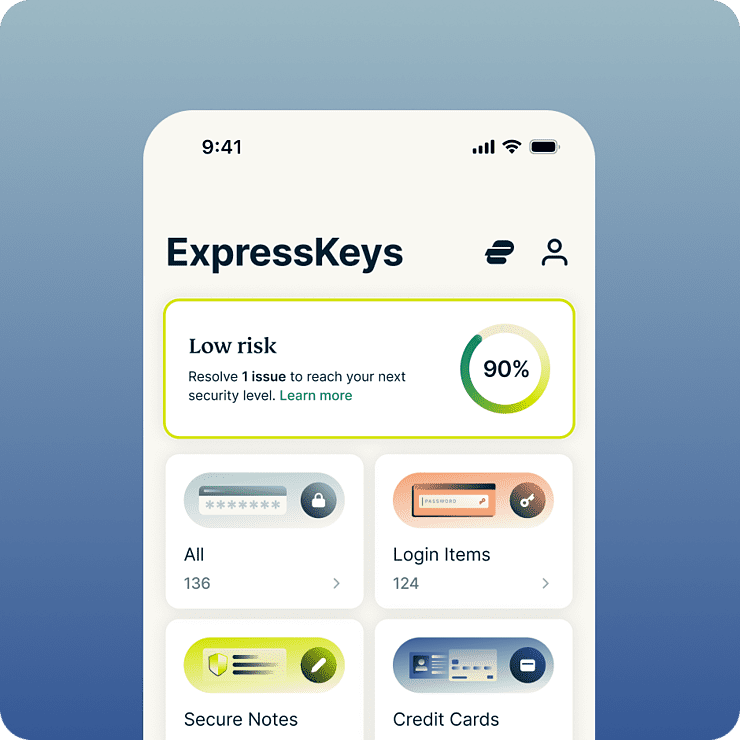
Save time and stress every day
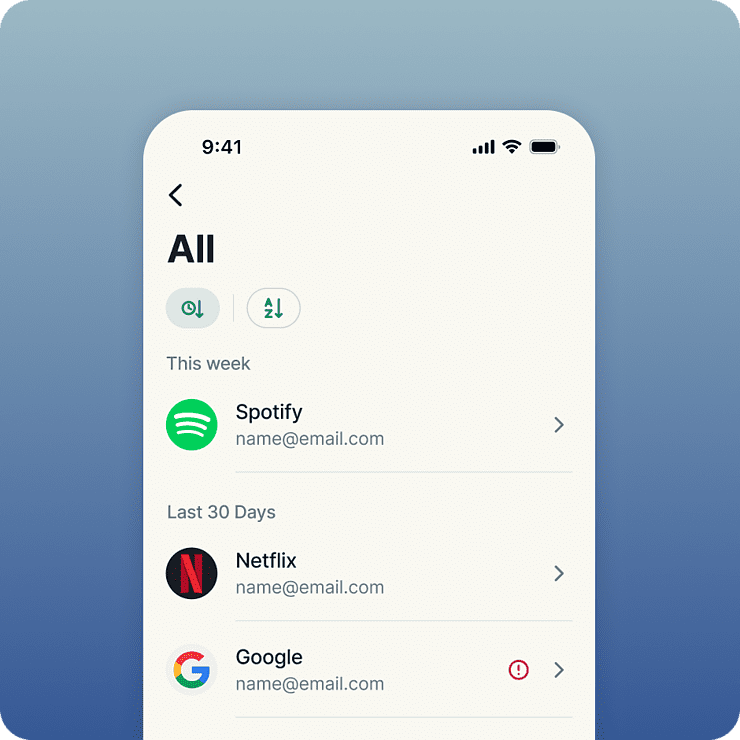
ExpressKeys streamlines almost everything you do online—from logging into social accounts to checking out at your favorite shops. With autofill and biometric unlock, sign-ins and purchases feel effortless. And because everything is stored in your encrypted vault, you get total peace of mind knowing only you can access it.
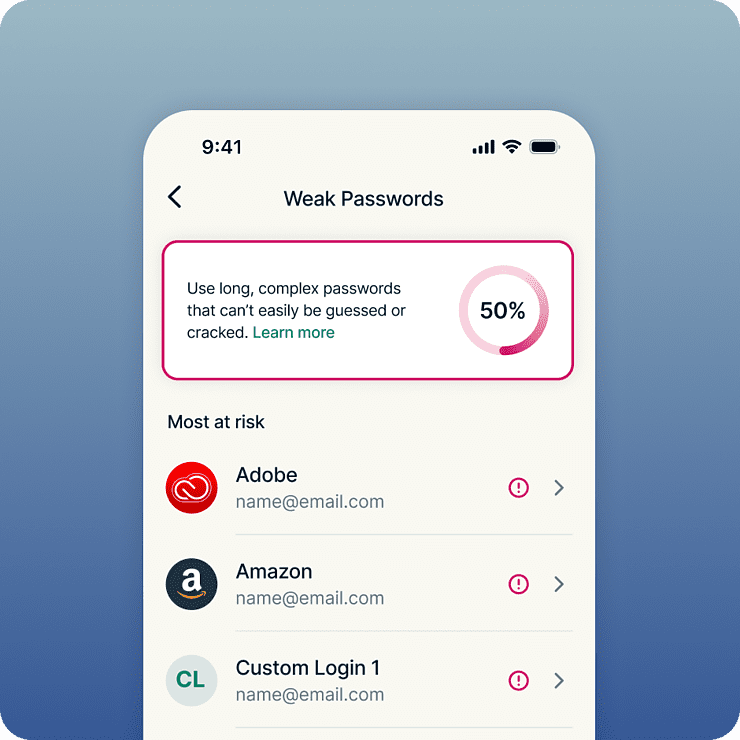
Protect against data theft and hacking
Strong security starts with strong passwords. ExpressKeys flags weak and reused passwords, making it easy to replace risky logins with strong, unique ones. Once saved, your passwords and other sensitive information are protected by the AES-256 encryption standard trusted by banks. And because everything is stored in your encrypted vault, you get total peace of mind knowing only you can access it.
Built by privacy and security experts
ExpressKeys comes from the privacy and security team behind ExpressVPN. Your data is protected with encryption keys created on your device—meaning your vault password stays local, never leaving it. The vault’s codebase is written in Rust to help prevent memory-based exploits, and it’s been independently audited multiple times for extra confidence.
One plan for all your digital privacy needs
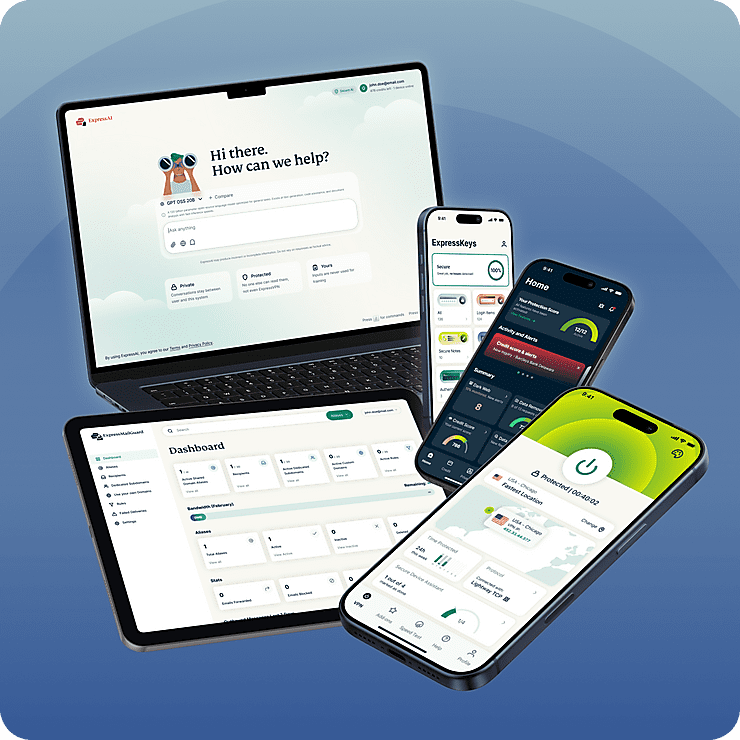
ExpressKeys is part of ExpressVPN’s new digital privacy suite. Protect your internet with our trusted VPN and upgrade your inbox privacy with ExpressMailGuard, all under one subscription. Everything works seamlessly together, across all your devices. Built to secure more of your online life with less effort.
Smart features, simple to use
See what a smarter password manager looks like
-
Unlimited storage for all your credentials
Build your vault without worrying about running out of space. Unlimited storage is the only option we offer, so there’s no limit to how many passwords, passkeys, secure notes, and credit cards you can store.
-
Share sensitive information securely
Share passwords, cards, notes, and other sensitive information with friends, family, and colleagues. Create secure sharing links, control access, and avoid exposing sensitive data in emails, messages, or chat apps.
-
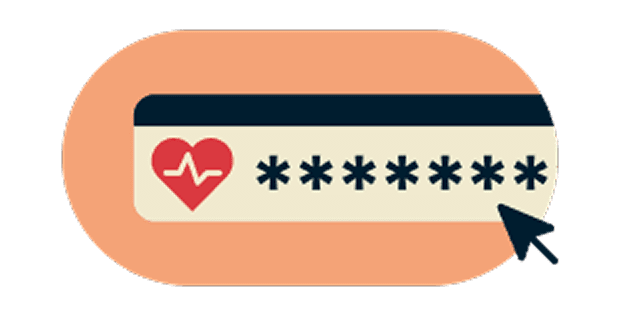
Spot weak passwords before they’re a problem
Identify weak, reused, and exposed passwords and get clear guidance to stay ahead of account takeovers. Know which passwords need upgrading and fix them in a few clicks.
-
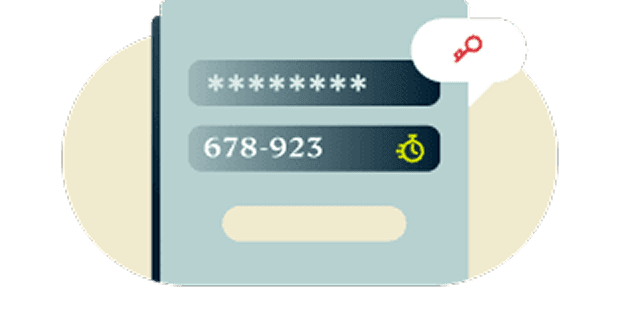
Two-factor authentication (2FA) security built-in
Add an extra layer of protection to your accounts with integrated 2FA. Forget juggling authenticator apps. ExpressKeys offers a unified solution.
-
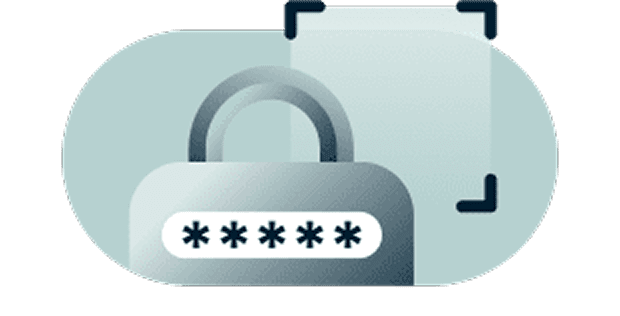
Zero-knowledge encryption puts you in control
Your data can only be decrypted with your vault password, which only you know, or biometrics, which only you have. In other words, your stored items are so secure that even we can’t see them.
-

Secure sync across your favorite devices
Stay protected on every device you use. ExpressKeys has apps for iOS and Android, plus browser extensions for Chrome, Edge, and Brave. Access your credentials easily and securely wherever you are.
Get started with ExpressKeys
Enjoy the upgraded ExpressKeys experience in a few simple steps.
-
Step 1
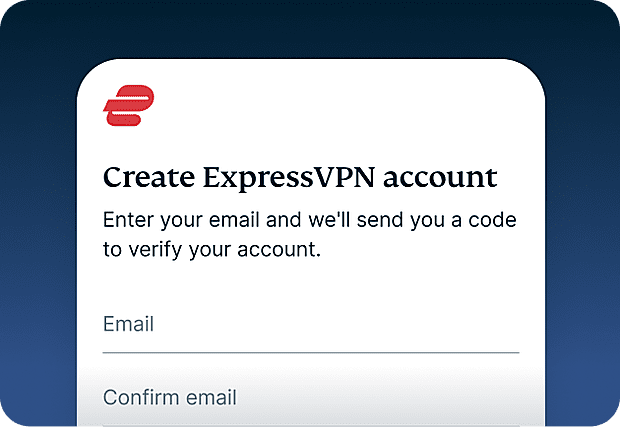
Sign-up for ExpressVPN
An ExpressVPN Advanced or Pro subscription is required to use ExpressKeys. Sign-up for ExpressVPN and get started today. -
Step 2
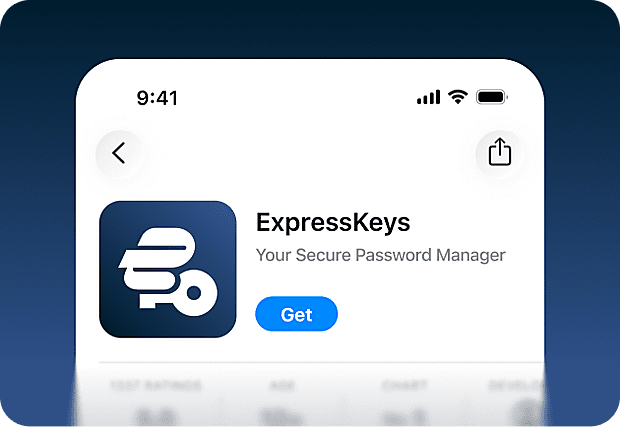
Download the ExpressKeys app
Download the ExpressKeys app from the App Store and Google Play Store. There’s also browser extensions for Chrome, Edge, and Brave you can use on desktop.
-
Step 3
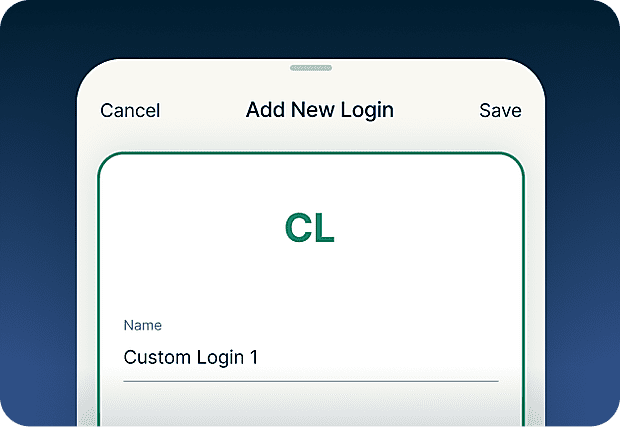
Add or import passwords
Save passwords, notes, and credit card details to your secure vault. You can also use the import tool to easily sync credentials added to other tools.
-
Step 4
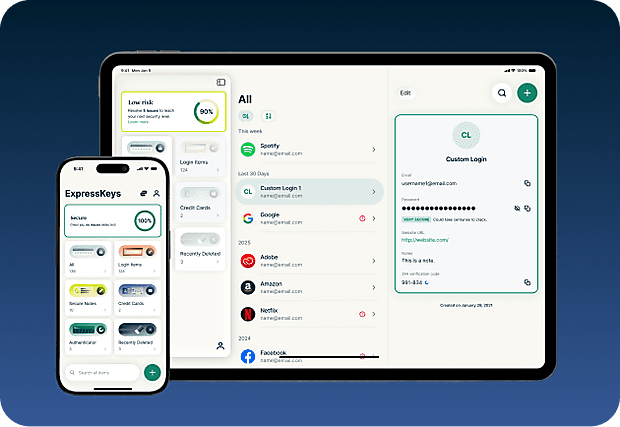
Securely sync with your devices
Install the app on multiple devices and your saved passwords, notes, and card details will automatically sync across all of them. Enjoy wherever you are!

Download ExpressKeys on mobile devices
Visit the App Store, Play Store, or scan the code with your phone to download.
FAQs: About ExpressKeys
Learn more about ExpressKeys and make the switch with confidence.
What is ExpressKeys?
ExpressKeys is a secure password manager that stores your passwords, cards, and notes in an encrypted vault. It works on mobile devices and browsers, and helps you sign in quickly with autofill. It used to be known as ExpressVPN Keys, but has now been upgraded to a standalone app.
Is ExpressKeys included with ExpressVPN?
How secure is ExpressKeys?
ExpressKeys is designed with security in mind. Your vault is encrypted using keys created on your device, and your vault password never leaves it. This means only you can access your saved passwords, passkeys, cards, and other sensitive information.
Can I import passwords from other managers?
Yes. You can import passwords from popular password managers like LastPass, 1Password, Dashlane, Bitwarden, iCloud Keychain, and most browser-based managers. Follow our step-by-step guide for your current password manager.
Does ExpressKeys support 2FA codes?
Yes. ExpressKeys can generate 2FA codes for supported accounts, so you can manage passwords and authentication in one place.
What are passkeys?
Passkeys are a modern alternative to passwords that can help protect against phishing and credential theft. Instead of signing in with a password, you verify your identity using a fingerprint, face scan, or another authentication method. ExpressKeys lets you create, store, and manage passkeys alongside your passwords in the same secure vault.
Should I use my browser as a password manager?
Saving your passwords in your browsers like Chrome, Safari, Firefox, and Opera may be convenient, but dedicated password managers generally provide stronger security features and more control over how your credentials are protected.
How does ExpressKeys prevent phishing?
ExpressKeys autofills only when the website domain matches the one saved in your vault. This helps prevent entering passwords on fake or lookalike sites trying to steal your login credentials.
How do I transfer my passwords from the old ExpressVPN Keys?
Download and install the ExpressKeys app. If you are signed into the ExpressVPN app and have used ExpressVPN Keys on your current device, you will be automatically signed into ExpressKeys. Unlock ExpressKeys and you will find all your existing logins, credit cards, and secure notes in the new app.
Get a risk-free trial of ExpressKeys as a new user
Don’t have ExpressVPN yet? New users can sign up today and take advantage of our risk-free 30-day money-back guarantee. Cancel within 30 days and get a full refund.