-
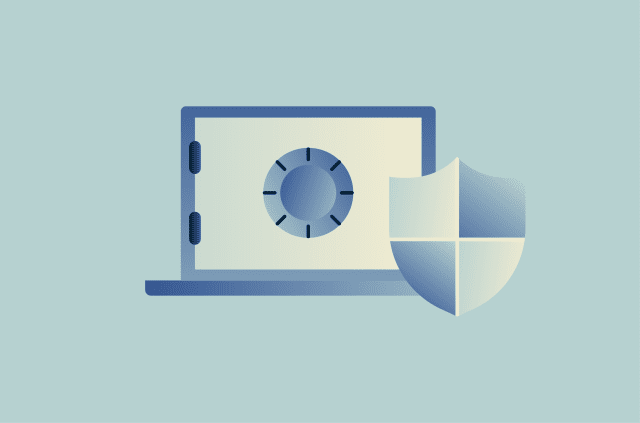
What is BitLocker and how secure is it?
BitLocker is one of Microsoft's primary Windows tools for protecting data on many modern laptops and PCs. While it can be a useful security feature, you may have questions about how it works and what ...
-
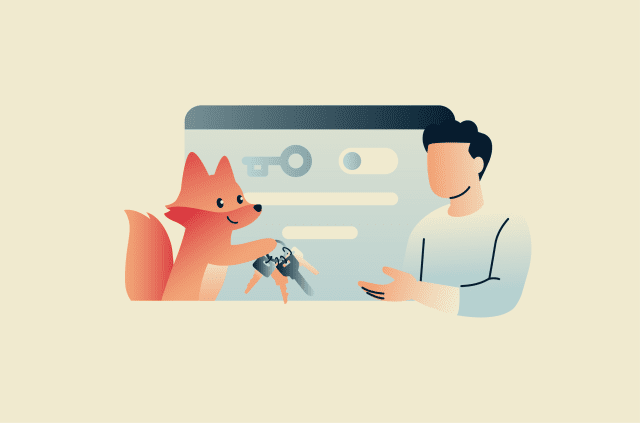
How to disable Firefox password manager: A simple guide to safer logins
Saving passwords in Firefox can be convenient on a private, well-secured device, but it’s not always the ideal solution, especially if you share a computer or want a password manager that works acro...
-
Agentic AI explained: How autonomous AI gets work done
Agentic AI is technology capable of acting autonomously to achieve predetermined goals with limited human intervention. These systems can help organizations improve productivity, make more informed de...
-
Are digital wallets safe? What to know before using one
Digital wallets are generally safe to use. Most reputable digital wallets include advanced security features designed to protect user data and transactions. Still, no payment method is completely risk...
-
Secure enclave explained: How it keeps your data private
Sensitive information isn't only at risk when it's stored or transmitted. Data can also become vulnerable while it's actively being processed, especially if attackers gain access to the OS or other pr...
-
What is a safe username? How to create one that protects your privacy
Usernames often look like simple account labels, but they can carry more identity value than expected. A careless choice can make a profile easier to interpret outside the platform where it first appe...
-
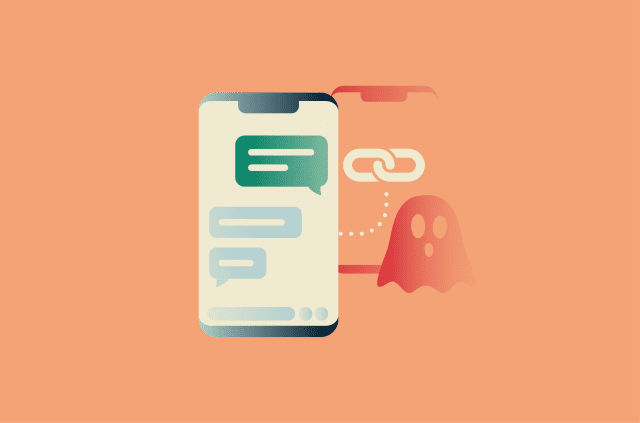
Ghost pairing on WhatsApp: How the scam works
Ghost pairing is a reported social-engineering technique that targets WhatsApp's Linked Devices feature. It involves attackers tricking victims into linking a device controlled by the scammer to their...
-
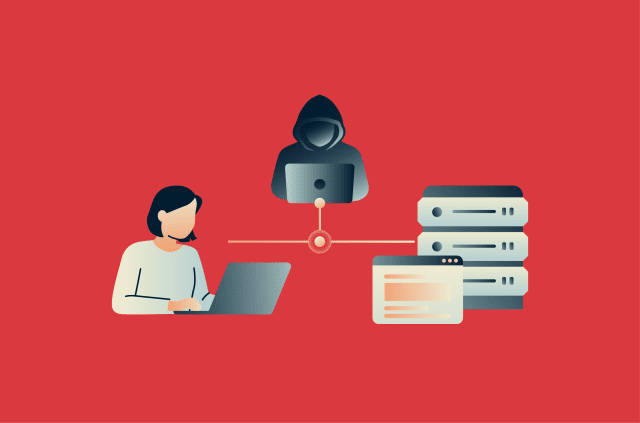
What is a man-in-the-middle (MITM) attack and why is it dangerous?
A man-in-the-middle (MITM) attack is a type of cyberattack where a malicious actor secretly positions themselves between two communicating parties, typically a user and a website, app, or online servi...
-
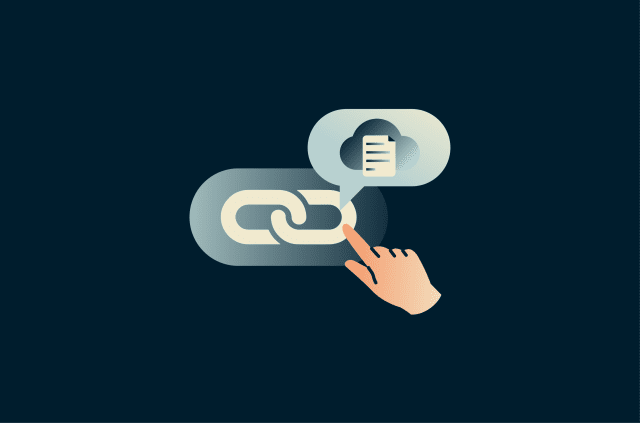
What is link sharing? A simple guide to sharing files securely
Link sharing is the practice of sharing files, folders, or a piece of content stored on a server, typically in the cloud, via a clickable URL. Instead of sending the actual file or piece of content as...
-
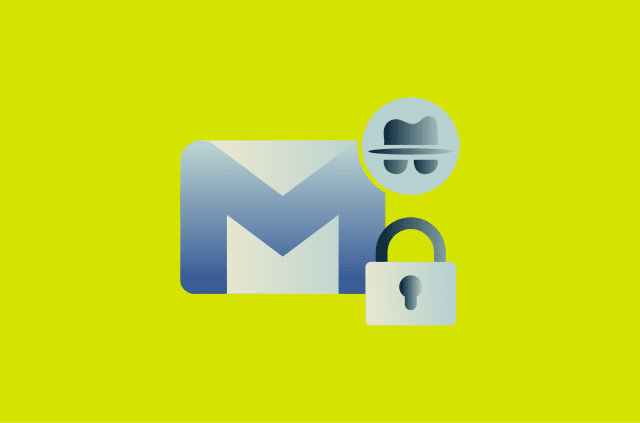
Gmail confidential mode: What it does and how to use it
Gmail confidential mode is a feature in Gmail that lets the sender set conditions on how an email is accessed and used after delivery. While it can help limit how recipients interact with an email, th...